
In this article
Before finalising the purchase of a used DJI drone, arrange with the seller to unlink the previous account and link it to your account. Also check the condition of the equipment and the sale documents. A flight demonstration does not prove that the account transfer has been resolved.
This guide focuses on that handover between owners. Available functions vary between models and app versions; check if your equipment is listed in the documentation provided.
Check the associated account and arrange the transfer
The DJI describes the process for second-hand drones: the previous owner removes the account association, the new owner links the drone to their account and confirms the controller association. In DJI Fly, the profile and device management area allows you to check the existing association.
The manufacturer clarifies that if the previous holder does not respond or refuses to unlink, DJI cannot complete that removal on their behalf. The support form initiates a request; it does not guarantee that the equipment will be unlinked. An unlinked controller may also cause limitations, and the account used may affect services related to drone loss.
To organise the sale, ask the seller to confirm in advance that they can access the correct account. Arrange a handover where both parties can verify the equipment and complete the transfer. Do not ask for or accept the seller’s password: each person must use their own account.
A practical sequence for the day of handover
- Compare the model, serial number and accessories delivered with the listing and available documents.
- Ask the seller to show the association status in the app, without exposing their access details.
- Record in writing how and when payment, delivery and account transfer will be made.
- At the agreed time, follow the seller’s unlinking and your account linking, following the model’s instructions.
- Check the final status in your app and keep the purchase receipt.
This sequence is a proposal for organising the handover. If the seller does not have access to the associated account, postpone completion until the situation is clarified. A promise of later resolution leaves you dependent on a person who may not even be the one selling you the equipment.
What to record about the drone’s condition
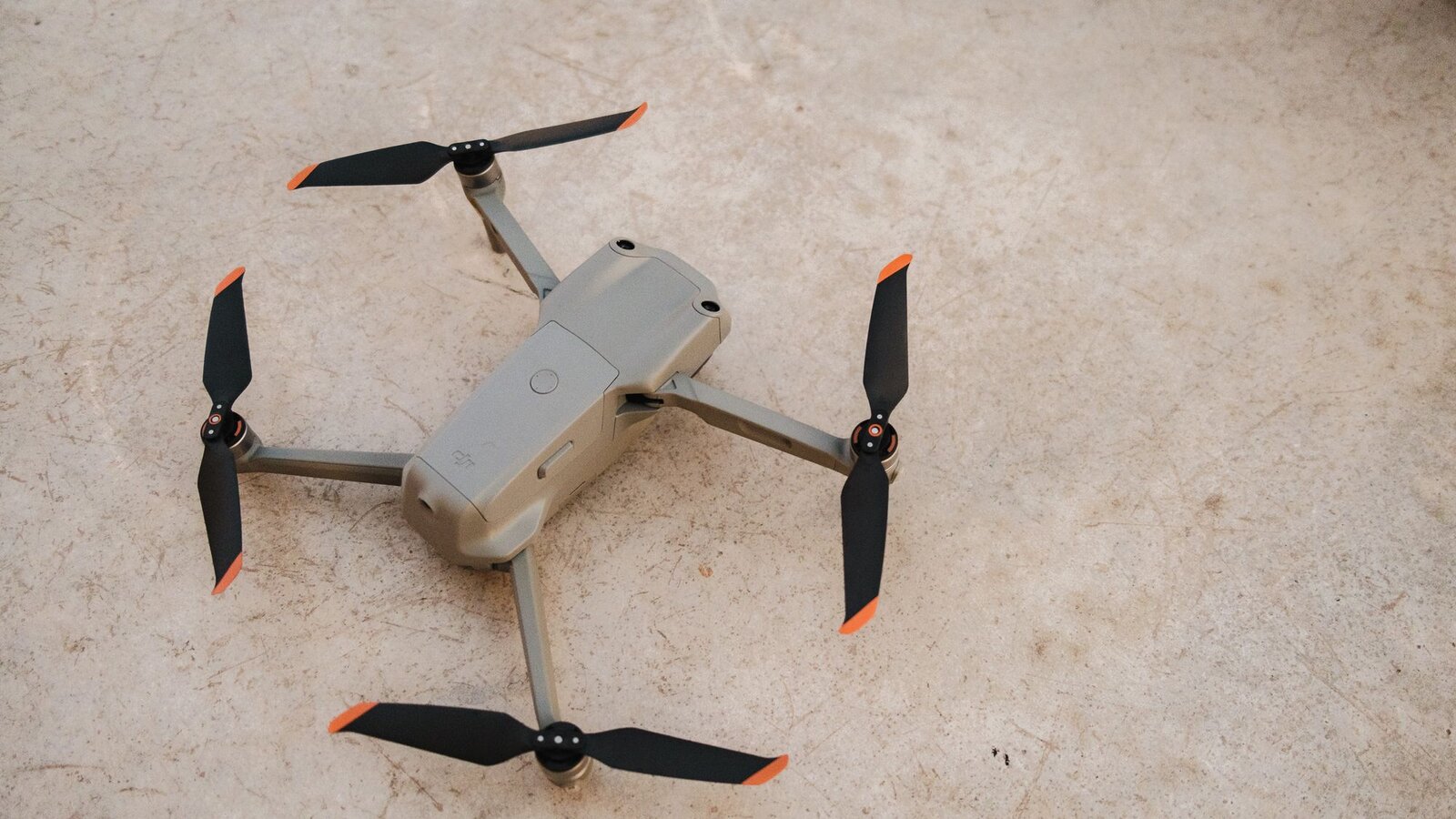
Make a short list of the advertised conditions and what you managed to verify: marks on the frame, condition of the propellers, camera operation, included accessories and warnings displayed by the app. Record any doubts and ask for information about previous repairs. A visual observation has limits; if there is suspicion of damage, a technical assessment is more useful than an improvised flight.
If there is a demonstration, arrange a location where the operation is permitted and leave the flight to someone with the necessary skills. The geographical restrictions of ANAC also apply to short flights. You can prepare the remaining checks with the pre-flight checklist.
Buying from a shop or a private individual
Identify who the seller is. The Decree-Law no. 84/2021 regulates consumer rights in contracts covered with professionals. For movable goods, it provides in principle three years of liability for lack of conformity. For used items, this period may be reduced to 18 months by agreement; the law excepts goods advertised as refurbished, to which this reduction does not apply.
A purchase between private individuals does not automatically benefit from this same consumer regime. Keep the advertisement, the agreed terms and the proof of payment. Do not confuse the legal guarantee with the professional seller with a commercial plan from the manufacturer. For a specific case or a complaint, consult the official information and a consumer support entity.
Remove personal data before handing over
If you are selling, first copy the photographs and videos you wish to keep. DJI recommends making copies before restoring settings and distinguishes the procedures by equipment in its drone reset guide. The reset and account transfer should be treated as separate checks.
Avoid handing over your personal card with the drone. If the controller has a screen and storage, also check the logged-in accounts and local files, following the official procedure for the model. Share only the data necessary for the sale; photographs of documents or serial numbers do not need to be published in an open advertisement.
After the handover, prepare the first flight as a new use: read the manual, review the controls and confirm the point and the automatic return settings. The previous owner’s preferences may not suit your flying location.
Technical documentation and legislation consulted in 2 October of 2026. This article does not result from a test of a specific used drone.

DroneFlyBlog
Keep exploring the world of drones
Get new buying, aerial photography and drone use guides to prepare for your next purchase or flight.