
In this article
A backup of drone photographs and videos should allow you to recover the originals if the card, computer or working folder becomes unavailable. Copying the material and confirming that the copy opens are different tasks. Do both before reusing the card.
Decide what you are keeping
Separate originals, the editing project and exported files. A final video does not let you redo every editing choice, and a project may depend on files stored in another folder. Keep the items needed for the work you intend to preserve.
Do not confuse an application preview with the original captured by the drone. When copying, identify the source of the material and keep a structure that makes it clear which card and session each set came from.
Use a small, predictable structure
One way to organise things is to create a folder with the date and session name, containing subfolders for originals, project, exports and notes. If you used two cards, add that distinction within the originals. You do not need a complex system; you need to be able to find the material without opening everything.
Keep the original filenames during the first copy. You can organise selections in the editor or in a working folder, but avoid renaming and moving files part-way through a project without understanding the references the programme uses.
The 3-2-1 rule as a starting point
The CISA guidance on backups describes the 3-2-1 rule: three copies of important files, on two types of media, with one copy in another location. It is an organisational principle, not a guarantee of recovery in every circumstance.
Consider what could fail at the same time. Two folders on the same disk still depend on that disk. Two devices kept in the same bag could be lost together. Choose how to distribute the copies with the real risks of your way of working in mind.
A remote copy can be useful, but check whether the service keeps versions and allows you to restore deleted files. Do not assume that automatic synchronisation behaves in the same way as an independent backup.
Check the copy before freeing up the card
- Compare the number of files and the amount copied with the source.
- Open photographs and videos from different points in the session.
- Check playback from the beginning, middle and end of the most important clips.
- Confirm that a second recoverable copy exists.
- Mark the card as available only after this review.
Comparing sizes and opening samples are basic checks; by themselves, they do not demonstrate that every file is identical. For important material, a copying programme with checksum verification can compare the content between the source and destination.
Test recovery, not just upload
Periodically choose a small set and restore it to a different folder. Open the files and confirm that you know how to recover the version you need. This simple exercise reveals questions about credentials, locations and versions before you urgently need to recover the material.
If the project is complete, decide what to keep and for how long. Also keep the sources, licences and notes needed to use the material again. Avoid deleting items from an active project just because a final export already exists.
Protect the content and access
Images and recordings may include people, property and locations. Limit access to the copies and share only the set needed with the right recipient. The CISA presents data protection measures for devices, including encryption and precautions with storage services.
An organised folder also makes it easier to respond to requests relating to personal data, where applicable. For context on capturing footage, see privacy and drones. For the first steps in copying, read QuickTransfer and alternatives and exporting flight logs.
Also review the recording space estimate when planning the next session. Free capacity helps you work; checked copies help you preserve what you have already captured.
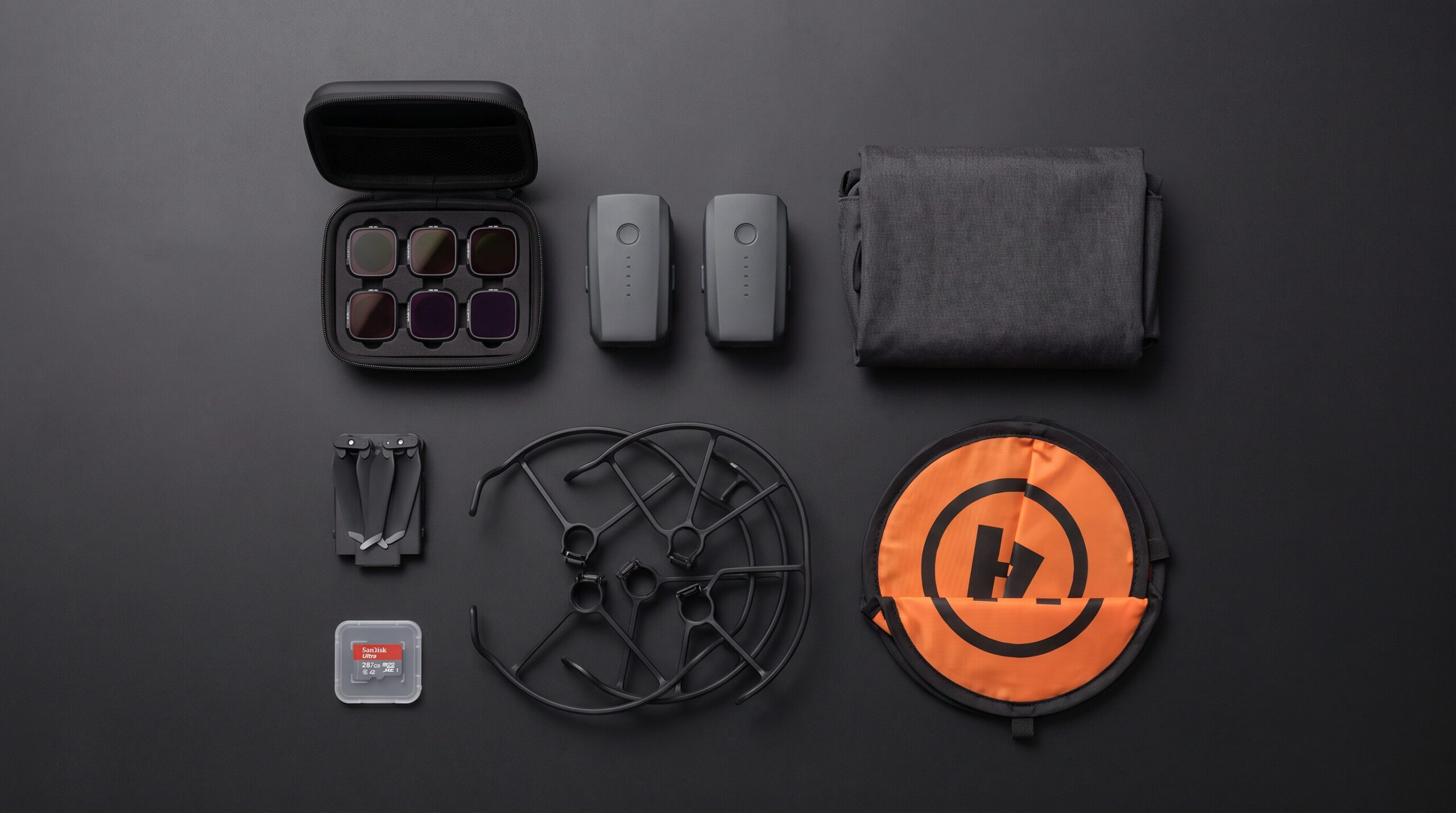
Illustrative image. The method is an organisational suggestion; no specific storage service has been tested.

Compare before buying
DroneFlyBlog
Keep exploring the world of drones
Get new buying, aerial photography and drone use guides to prepare for your next purchase or flight.