
In this article
Drone Maintenance: How to Care for Your Equipment
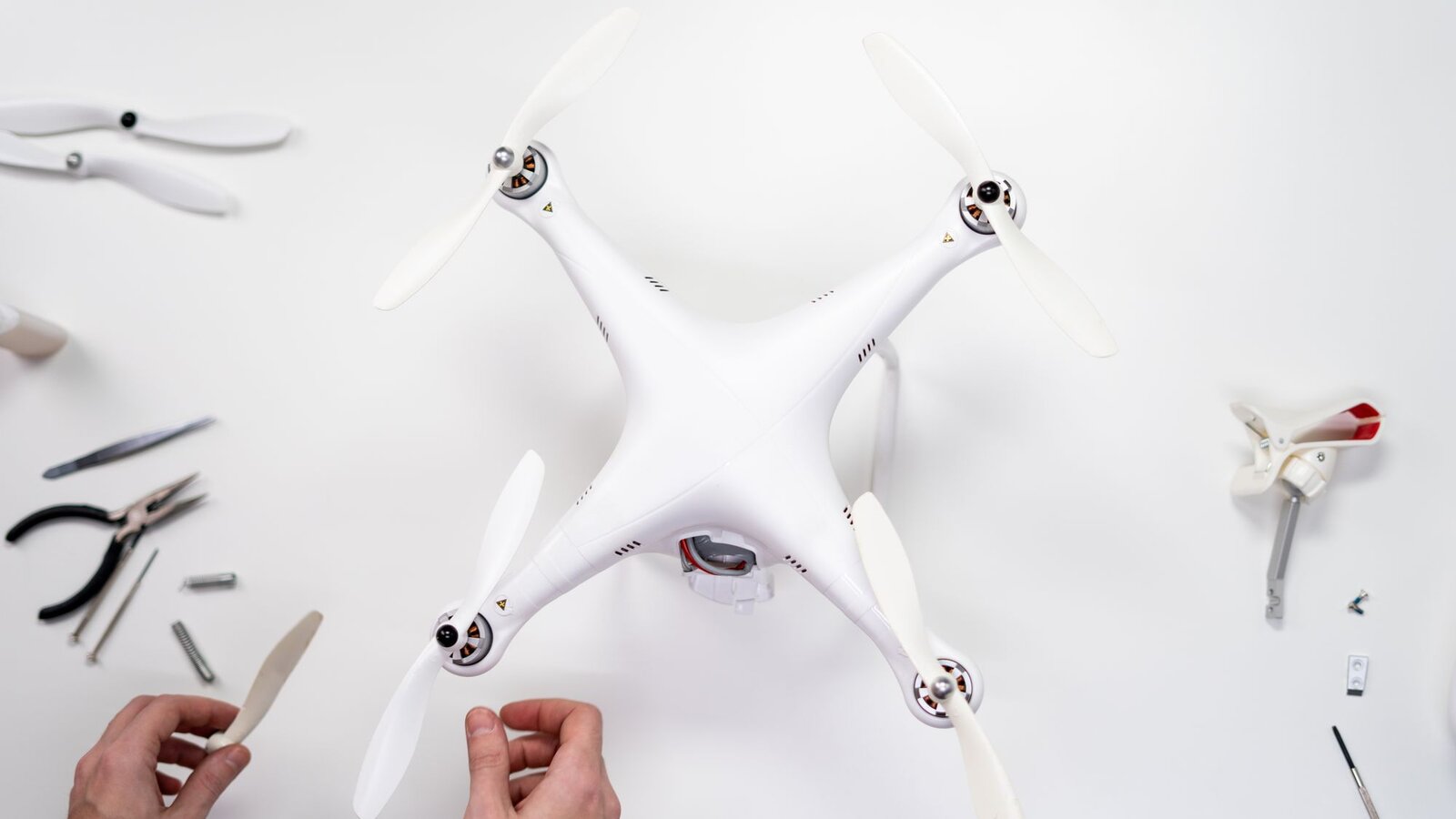
Let me be direct: most drone pilots ignore maintenance until something goes wrong. A broken propeller mid-flight, a motor failure, a swollen battery, all of this can be avoided with basic, regular care.
In this guide, I’ll cover the complete pre-flight checklist, post-flight cleaning, battery care, proper storage, and when to replace parts. If you want your drone to last years and always fly safely, read to the end.
Pre-Flight Checklist: What to Check Every Time
Before each flight, spend 2-3 minutes on this checklist. It may seem tedious, but it can save your drone, and prevent accidents.
| Item | What to Check | Why |
|---|---|---|
| Propellers | Cracks, deformations, wear at the tips | Damaged propeller = vibration = shaky photos or crash |
| Battery | Charge level, swelling, temperature | A swollen battery can catch fire; low charge = crash |
| Gimbal | Free movement on all 3 axes, protector removed | Blocked gimbal = no stabilization |
| Sensors | Clean, no obstructions (dust, stickers) | Dirty sensors = obstacle detection fails |
| Camera | Lens clean, no condensation | A smudge on the lens ruins every photo |
| Firmware | Updated (check in the app) | Updates fix bugs and improve performance |
| GPS | Signal acquired (minimum 10+ satellites) | No GPS = no Return to Home, no precision |
A Habit That Saves Equipment
In my opinion, the most overlooked point is checking the propellers. It takes 10 seconds: run your finger along each propeller and feel for irregularities. A micro-crack invisible to the naked eye can cause vibration at high speed, which degrades photo quality and can lead to propeller structural failure in flight.
Post-Flight Cleaning: What to Do After Each Session
Regular cleaning prevents long-term problems. Sand, dust, humidity, and salt (if you fly near the sea) are enemies of your drone.
Body and Frame
Use a dry microfiber cloth to wipe off dust and surface dirt. For more stubborn dirt, a slightly damp cloth (not wet!) works. Never use water directly on the drone, the electronics are not waterproof, even on the latest models.
Motors
Motors accumulate dust and fine particles that, over time, increase friction and reduce efficiency. Use compressed air (cans of air for electronics) to blow dust out of the motors. Do not use a vacuum, it can generate static electricity. After flying at the beach or in dusty environments, this cleaning is especially important.
Lens and Sensors
Use a microfiber cloth for lenses (the same type you use for glasses or cameras). For persistent lens smudges, apply an optical cleaning liquid to the cloth (never directly on the lens). Clean obstacle sensors with the same care.
Battery Contacts
The metal contacts on the battery and drone can oxidize over time, especially in humid environments. Clean them periodically with a dry cotton swab. If you see oxidation (green or white spots), use isopropyl alcohol on a cotton swab to clean them.
Battery Care: The Most Important Part
LiPo/Li-Ion batteries are the most sensitive and potentially dangerous component of your drone. Proper care extends their lifespan and prevents serious incidents. For a complete guide, see our dedicated article on drone batteries.
Storage: 40-60% Charge
Never store batteries at 100% or 0%. The ideal is between 40% and 60%. Most DJI batteries automatically enter storage mode after a few days, but don’t rely blindly on this feature, check manually.
Temperature
Don’t charge batteries when hot (right after a flight). Wait 15-20 minutes for them to cool down. Likewise, don’t store batteries in places with extreme temperatures, heat accelerates degradation and cold permanently reduces capacity if extreme.
Swelling (Puffing)
If the battery swells, stop using it immediately. A swollen LiPo battery is unstable and can catch fire. Do not puncture it, do not throw it in the regular trash. Take it to a battery recycling point or an electronics store that accepts used batteries.
Life Cycles
Most drone batteries have a lifespan of 200 to 300 full charge cycles. After that, you’ll notice a significant reduction in flight time. Replace the battery when flight time drops below 70-80% of the original.
Drone Storage: Best Practices
How you store your drone when you’re not flying is just as important as active maintenance.
Dry Environment and Room Temperature
Store the drone in a dry, cool place at room temperature (15-25°C). Avoid damp garages, hot attics, or the car trunk in summer. Humidity and heat are the biggest enemies of electronics.
Remove the Batteries
If you won’t be flying for more than a week, remove the batteries from the drone. This prevents parasitic discharge and, in case of a battery issue, protects the drone.
Gimbal Protector
Always use the gimbal protector when the drone is not in use. The gimbal is the most delicate mechanical component, an accidental bump can misalign the motors or damage the camera. It takes 2 seconds to put on and can save you hundreds of euros.
Case or Transport Bag
Invest in a good transport case. Original cases (like DJI’s Fly More combos) are good, but if you need more protection, a hard case like a Pelican is ideal. The drone should be secured, with no room to move during transport.
When to Replace Parts
No part lasts forever. Knowing when to replace is just as important as knowing how to clean.
| Part | Replace When | Typical Frequency |
|---|---|---|
| Propellers | Cracks, visible wear, vibration | Every 50-100 flight hours |
| Batteries | Runtime <70%, swelling, >300 cycles | 1-2 years of regular use |
| ND Filters | Scratches, degraded coating | As needed |
| Gimbal ribbon | Glitchy image, erratic gimbal | Rare, as needed |
| Motors | Noises, vibration, overheating | 500+ hours (very durable) |
Propellers: The Most Frequently Replaced Item
Propellers are consumables. Every 50 to 100 flight hours, they should be replaced even if they look fine. Plastic propellers subtly deform with use and heat, causing progressive vibration. A set of propellers costs 10-20€, don’t skimp here.
When to Take It to a Technician
If your drone suffered a significant crash, even if it seems functional, take it to a technician or official service for inspection. Internal damage (loose wires, frame cracks, sensor misalignment) may not be visible but can compromise safety.
Preventive Maintenance: Suggested Calendar
| Frequency | Task |
|---|---|
| Before each flight | Complete checklist (propellers, battery, gimbal, sensors, GPS) |
| After each flight | Basic cleaning (body, lens, motors if needed) |
| Weekly | Firmware check, battery condition |
| Monthly | Deep cleaning, battery contacts, IMU/gimbal calibration |
| Every 50-100h | Replace propellers |
| Every 6 months | Full inspection, check motors, test sensors |
FAQ, Drone Maintenance
How often should I change the propellers?
Every 50 to 100 flight hours, even if they look fine. Plastic propellers gradually deform with heat and rotation, causing vibration that affects image quality and stability. If you’ve flown near sand or dust, check more frequently. After any crash, immediately replace the affected propellers.
Can I wash the drone with water?
No. The overwhelming majority of drones are not waterproof. Use a dry or slightly damp microfiber cloth to clean the body, and compressed air for the motors. For the lens, use optical cleaning material. Water, even in small amounts, can damage internal electronics, motors, and connectors.
When should I replace the drone battery?
When actual runtime drops to 70-80% of original, when the battery swells (even slightly), or when it exceeds 300 charge cycles. DJI apps show cycle count and battery health, monitor regularly. If you notice the drone landing more often due to low battery, it’s time to replace.

DroneFlyBlog
Keep exploring the world of drones
Get new buying, aerial photography and drone use guides to prepare for your next purchase or flight.